

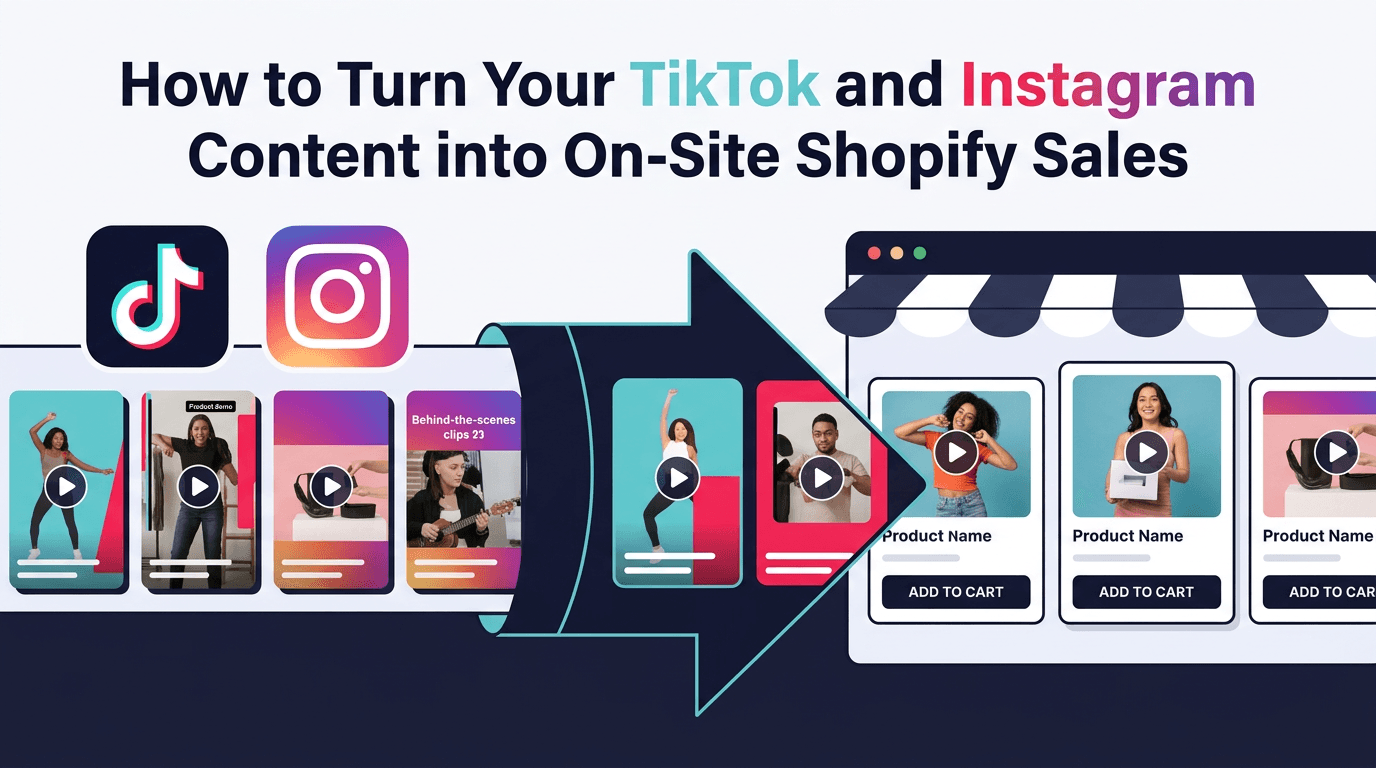
How to Turn Your TikTok and Instagram Content into On-Site Shopify Sales
Stop letting your best social content die in the feed. Repurpose TikTok and Instagram videos into shoppable on-site experiences.
Your brand's TikTok gets 100,000 views. Your Instagram Reel goes viral. But when you check Shopify analytics, the needle barely moves. Sound familiar?
This is the social content paradox: the videos that build the most awareness often drive the least direct revenue. Paid social traffic converts at just 0.8–1.2% on Shopify — far below the platform average of 1.4–1.8%. Meanwhile, that same content could be working much harder if it lived on your own store.
The fix isn't creating more content. It's repurposing the content you already have. Here's how to take your best-performing TikToks and Instagram Reels, embed them on your Shopify store, and turn them into shoppable experiences that actually convert.
The Social Content Waste Problem
Most Shopify merchants are investing significant time and money creating social video content. The results on-platform can be impressive — reach, engagement, brand awareness. But there's a structural disconnect between social views and store revenue:
- Algorithm dependency: Your content only gets seen when the platform decides to show it
- Short shelf life: Instagram Stories disappear in 24 hours; TikTok videos peak in 2–3 days
- Friction to purchase: A customer has to leave the app, find your store, find the product, and complete checkout — each step losing buyers
- No product context: Social videos exist in a feed, not on a product page where buying intent is highest
The content itself isn't the problem. The placement is. 43% of Gen Z shoppers start their product searches on TikTok, and TikTok Shop drove a 26% growth in U.S. social commerce in 2024. Shoppers are primed by social video — you just need to meet them when they arrive at your store.
What Makes Social Video Work On Your Store
The videos that perform best on social platforms often perform even better on-site — but for different reasons. On TikTok, a video succeeds because it's entertaining or relatable. On your Shopify store, that same video succeeds because it builds confidence in a purchase the shopper is already considering.
The key differences in on-site performance:
- Higher intent: Someone browsing your store is further down the funnel than someone scrolling TikTok. The video doesn't need to create interest — it needs to confirm it.
- Product proximity: When a video sits on or near a product page, the viewer can immediately act on the impulse to buy. No link in bio required.
- Shoppability: Adding product tags to the video transforms passive viewing into active shopping. The shopper taps a tagged item and adds to cart without leaving the video.
- Compounding value: Unlike a TikTok that peaks and fades, an on-site video earns views as long as the product page gets traffic — for weeks, months, or longer.
This is why brands using UGC see 29% more web conversions. The content type is inherently social — it just converts better when placed in a shopping context.
Step by Step: Import Social Videos to Your Shopify Store
1. Audit Your Top Performers
Start with the videos that already proved themselves. Pull your top 10–20 TikToks and Instagram Reels by engagement rate (not just views). Look for videos that feature specific products, show the product in use, or include a strong visual of quality and detail. These will translate best to shoppable on-site content.
2. Download and Import
Download the original video files from TikTok and Instagram (without watermarks when possible — there are tools for this). Import them into your Shopify store through a shoppable video app that supports direct upload or social media import. The best tools will let you pull directly from your connected Instagram or TikTok accounts.
3. Tag Products
This is the step that transforms a social clip into a sales tool. Tag every product visible in the video. When shoppers watch the video on your store, they see product overlays they can tap to view details or add to cart instantly. Multiple products per video means multiple conversion opportunities per view.
4. Choose Your Placements
Not every video belongs on every page. Match the content to the context:
- Homepage: Your best-performing, most visually compelling content — brand storytelling, hero products, viral hits
- Product Detail Pages (PDP): Videos featuring that specific product — demos, try-ons, unboxings, customer reviews
- Collection Pages: Category-level content — "summer favorites" or "best sellers" video roundups
- Cart / Thank You Pages: Cross-sell videos featuring complementary products
5. Optimize for Format
Social videos are already optimized for the format that works best on-site: vertical, short, sound-optional. A few refinements for on-site use:
- Add captions if they don't exist — many on-site shoppers browse with sound off
- Trim to the essential content (15–30 seconds is ideal for product-focused clips)
- Ensure the first 2–3 seconds show the product clearly — on-site, you don't need a hook; you need to confirm relevance
Measuring ROI: The Metrics That Matter
Tracking the impact of repurposed social content on your store requires different metrics than social platform analytics. Focus on these:
- Video engagement rate: What percentage of page visitors interact with the video (play, expand, swipe)?
- Add-to-cart rate from video: How many viewers tap a tagged product and add it to their cart?
- Conversion rate lift: Compare the conversion rate of product pages with and without video. The average Shopify store converts at 1.4% — pages with shoppable video should meaningfully exceed that.
- Revenue per video view: The clearest measure of whether your content is driving business. Track this over time to identify your highest-performing content types.
The State of Video Commerce report found that shoppers who interact with shoppable video on-site have a 240% higher repeat purchase rate in some categories and 61% higher lifetime value in apparel. These aren't vanity metrics — they're bottom-line impact.
Stop Creating, Start Repurposing
You don't need to double your content production to get video on your store. You need to stop treating social content as disposable. Every TikTok and Instagram Reel you've published is a potential sales asset — you just need to put it where purchase decisions happen.
The math is simple: paid social converts at 0.8–1.2%. Organic search converts at 3.6%. On-site shoppable video converts higher still. By moving your best social content onto your store, you're upgrading from impressions to revenue.
ReelTok makes this effortless — import your TikTok and Instagram videos, tag products, and publish shoppable stories, carousels, and floating reels across your Shopify store in minutes. No code required, no site speed impact. Start your free trial and give your content the second life it deserves.
Related articles
More from Shoppable Video

Live Shopping Hits $68 Billion: Is Live Commerce Worth It for Your Shopify Store?
US live shopping is projected to hit $68B in 2026 with 10-30% conversion rates. Here's what that means for Shopify merchants without a livestream team.

How AI Personalizes Shoppable Videos on Shopify
Explore how AI-driven shoppable videos enhance customer engagement and boost sales on Shopify through personalized content.

How to Use Shoppable Videos for Brand Storytelling
Learn how shoppable videos can enhance brand storytelling, boost sales, and engage customers in a dynamic shopping experience.