

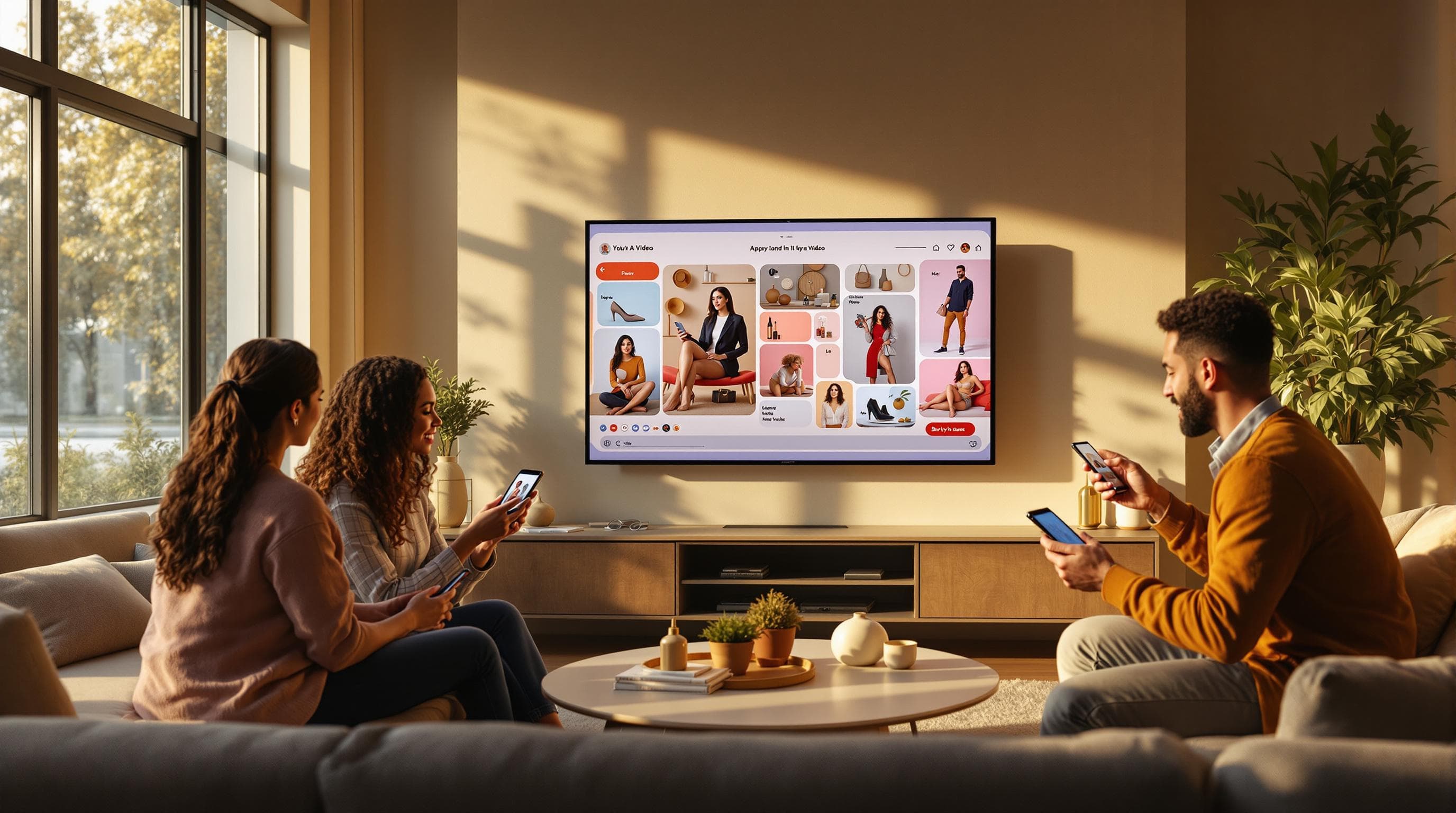
Create Professional B-Roll Product Videos with AI
AI-generated B-roll product videos give Shopify merchants studio-quality visuals with voiceover — no camera, no editor, no budget. Learn how to create them in seconds.
Create Professional B-Roll Product Videos with AI
Product videos are no longer optional for Shopify stores that want to compete. But producing professional B-roll — the clean, cinematic product footage that makes pages feel polished — has traditionally required cameras, lighting setups, and video editors. AI changes that equation entirely. Here's what the data shows:
64% of consumers are more likely to buy a product after watching a video about it.
Product pages with video see up to 80% higher conversion rates than those with images alone.
Traditional product video production costs $500–$2,000+ per SKU when factoring in equipment, talent, and editing.
AI-generated B-roll videos eliminate the production overhead. A Shopify merchant can create polished product visuals with AI voiceover in under a minute — directly from their admin dashboard.
What Is B-Roll and Why Does It Matter?
B-roll refers to supplementary footage that adds visual depth to your product presentation. Unlike talking-head or avatar-style videos where a presenter speaks to camera, B-roll focuses entirely on the product itself — close-ups, angles, textures, and motion.
For e-commerce, B-roll serves a specific purpose: it lets the product be the hero. When paired with a professional voiceover that highlights key features and benefits, B-roll creates the kind of content you'd see on a premium brand's product page — without the premium budget.
B-roll is especially effective for:
Product detail pages — where shoppers need to see the product from every angle before buying.
Brand story sections — where clean visuals reinforce your brand's quality and attention to detail.
Email campaigns — where a video thumbnail can increase click-through rates by up to 300%.
AI-Generated B-Roll vs Traditional Production
The gap between AI-generated B-roll and traditional video production isn't just about cost — it's about speed and scalability. Here's a side-by-side comparison:
Factor | Traditional B-Roll | AI B-Roll Video |
|---|---|---|
Cost per video | $500–$2,000+ | Included on Growth plan |
Production time | 3–10 days (shoot + edit) | Under 60 seconds |
Equipment needed | Camera, lighting, tripod, editing software | None — runs in your browser |
Voiceover | Separate hire ($100–$300) | AI-generated, included |
Scalability | 1 product per session | Unlimited products |
Consistency | Depends on photographer/editor | Consistent quality and style |
For merchants with catalogs of 50, 100, or 500+ products, the scalability difference is the deciding factor. AI lets you create a video for every SKU — not just your top sellers.
How AI Creates B-Roll Product Videos
Using ReelTok's AI Studio, B-roll creation happens in four steps inside your Shopify admin:
Select your product — choose any product from your catalog. AI imports the title, description, and product images.
Choose voice and music — select an AI voiceover style and background music track. No avatar is used — the focus stays on the product.
Pick a visual style — choose from styles like "Product Showcase," "Feature Highlight," or "Motion Cards." Each applies a different cinematic treatment to your product visuals.
Generate — AI produces the final video with B-roll footage, voiceover narration, and music. Publish directly to your store as a shoppable video.
Here's an example of an AI-generated B-roll product video:
Where to Use B-Roll Videos on Your Shopify Store
B-roll is the most versatile AI video format because it works everywhere a product image works — but with significantly higher engagement. The best placements include:
Product detail pages — replace static image carousels with a video that shows the product in motion. Studies show that 73% of shoppers are more likely to purchase after watching a product video.
Collection pages — add video thumbnails to category grids to increase time-on-page and reduce bounce rates.
Homepage hero sections — use B-roll as a background or feature video to create an immediate visual impression.
Social media — repurpose B-roll for Instagram Stories, TikTok, and Pinterest Video Pins. The clean, product-focused format adapts well to every platform.
Email campaigns — embed video thumbnails in abandoned cart emails and product announcement campaigns.
B-roll pairs naturally with AI avatar videos for a complete content strategy — avatars for social ads and product pitches, B-roll for product pages and brand storytelling.
Key Takeaways
B-roll product videos let the product speak for itself — clean visuals, professional voiceover, no presenter needed.
AI generation eliminates the need for cameras, editors, and voiceover artists — creating videos in seconds instead of days.
The biggest advantage is scalability: create a video for every product in your catalog, not just your best sellers.
Best placements include product pages, collection grids, homepage hero sections, and email campaigns.
"The ReelTok app added a dynamic touch to my e-commerce store. It was exactly what we were looking for. It was easy to set up and upload the videos, saving a lot of time." — Tee Vibes [1]
AI B-roll product videos are available on the ReelTok Growth plan. Try AI Studio to create your first video.
Related articles
More from Video Marketing
5-Second Product Staging Videos That Convert
Animated product staging videos grab attention in under 5 seconds. Learn how Shopify merchants use AI to create dynamic product animations — no avatar, no script, no production team.

AI Avatar Staging: Automated Product Demos for Shopify
AI avatar staging creates 5-second animated product demos with an AI presenter in custom scenes. Learn how Shopify merchants use them for sales pitches, tutorials, and product launches.
How AI Avatar Videos Are Replacing UGC on Shopify
AI avatar product videos deliver UGC-style content at a fraction of the cost. Learn how Shopify merchants are using AI presenters to boost conversions without hiring creators.